
Process and Operation

Select your role and discover your journey at ConnecThrive step by step.
Client / Mentee / Participant
Learn how to get started with coaching, mentoring, or training at ConnecThrive.
Coach / Mentor / Trainer
Learn how to get started with coaching, mentoring, or teaching on ConnecThrive.

Client / Mentee / Participant Process
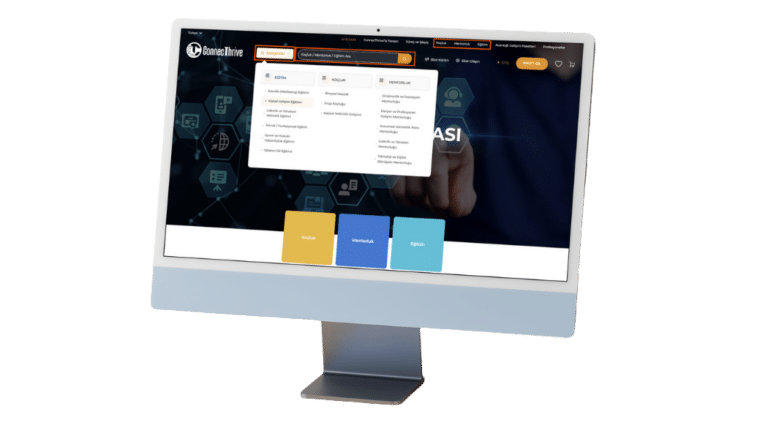
Find a Development Program / Coach / Mentor / Trainer
Search using keywords that reflect your learning and development focus, or browse service categories to view the coaching, mentoring, and training programs that best suit you.
Explore the Development Program and ConnecThrive Professional
Review the details of the program that suits your needs and budget, and the detailed profile of the professional offering the service.
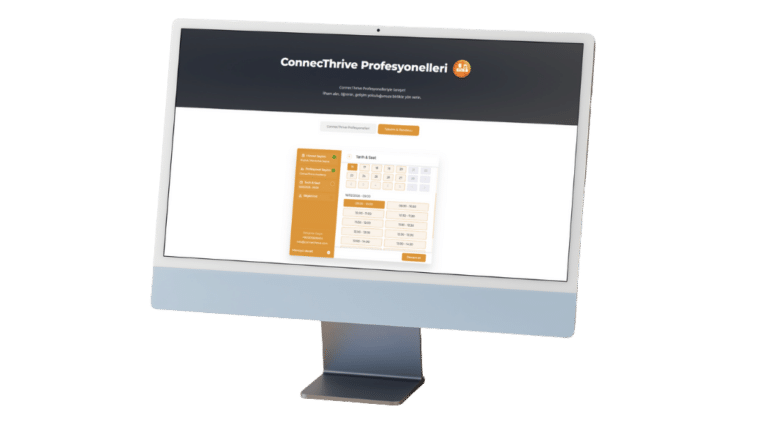
View Professionals' Calendars
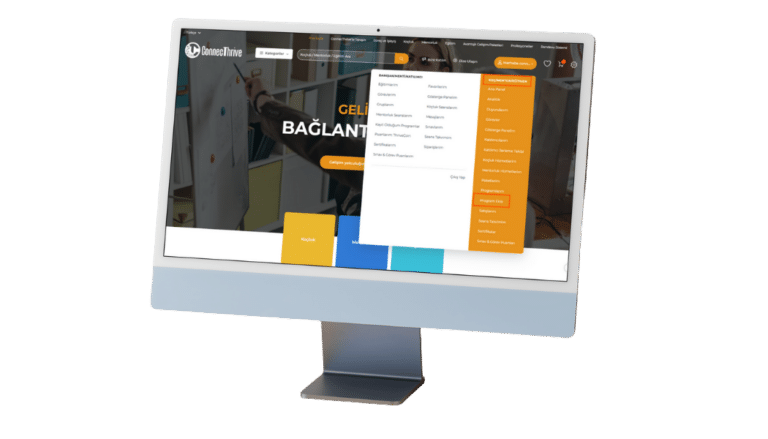
Access the “Professionals” menu to enter the “ConnecThrive Professionals” page. View the professional’s calendar availability in the “Calendar & Appointment” tab.
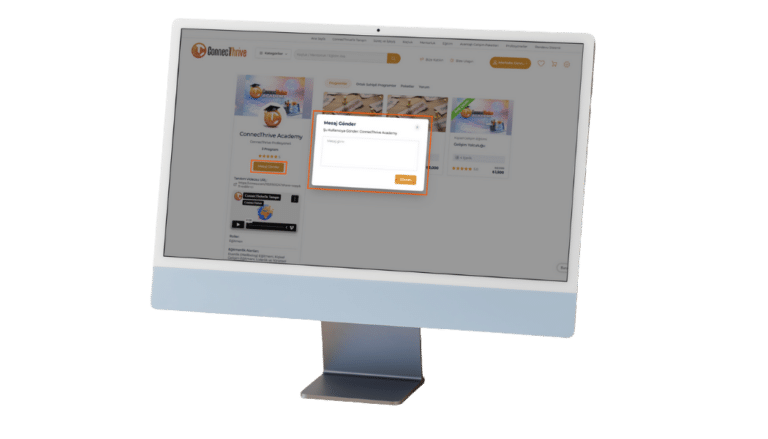
Send a Message and Make a Free Call
If you wish, contact the professional offering the service to get acquainted and obtain more detailed information, and schedule a free preliminary consultation.
Sign up quickly and connect directly with professionals.
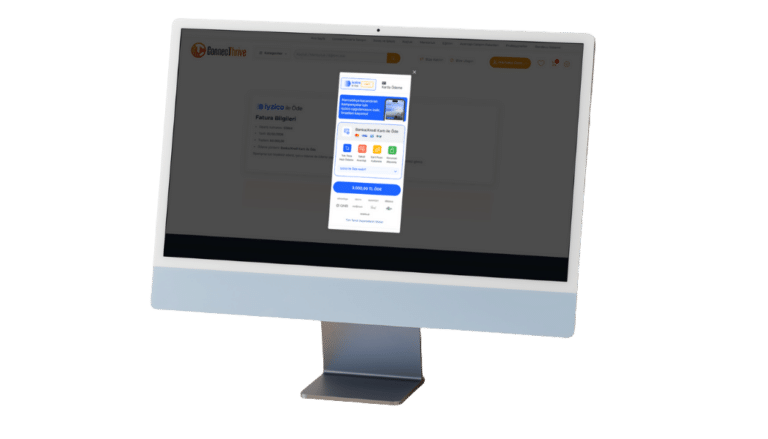
Easily Purchase the Service
Purchase the service with fast and secure payment methods via iyzico.
Sign up quickly and purchase the development program of your choice.
Manage Your Development Journey with Digital Tools
- Access the interactive e-learning, video training, documents, assignments, and exam content of the program you registered for via the platform.
- If the program includes live sessions, connect directly to the session via the platform at the scheduled date and time.
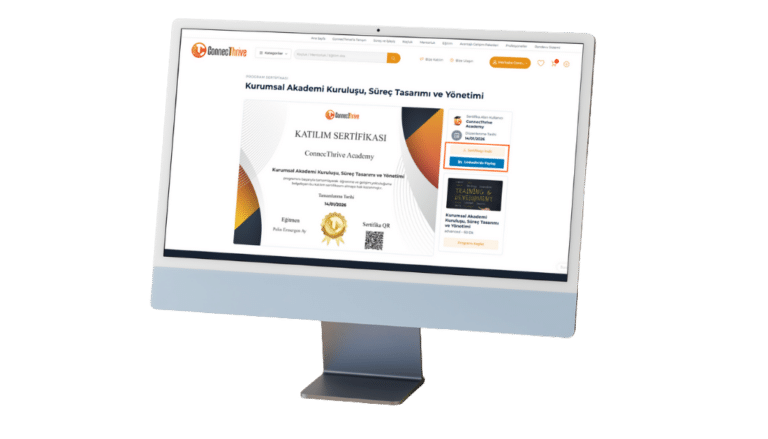
- Earn a certificate at the end of the program and share your certificate on LinkedIn if you wish.
Effectively Manage Your Coaching / Mentoring Sessions
- Submit your appointment request for your Coaching/Mentoring sessions through the “Appointment System.”
- Your Coach/Mentor will contact you within 48 hours to schedule your session at the confirmed date and time.
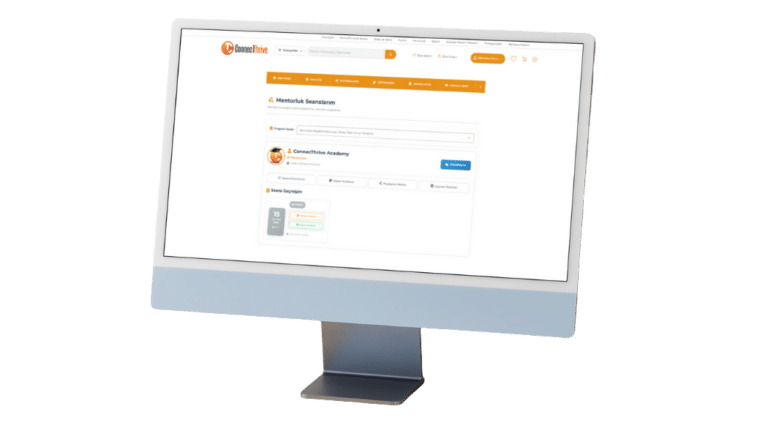
- Manage and track all your sessions from the “My Coaching/Mentoring Sessions” menu in your “Client/Mentee/Participant Panel”.
Evaluate the Process and the Professional
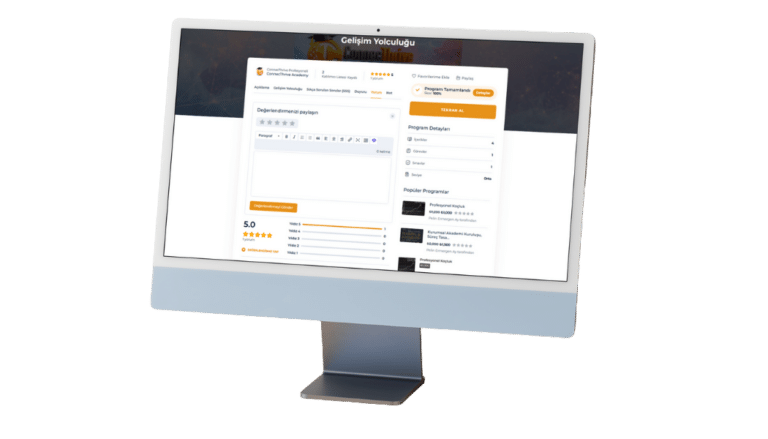
Rate the service and professional you received; share your comments and suggestions.
Track Your Progress
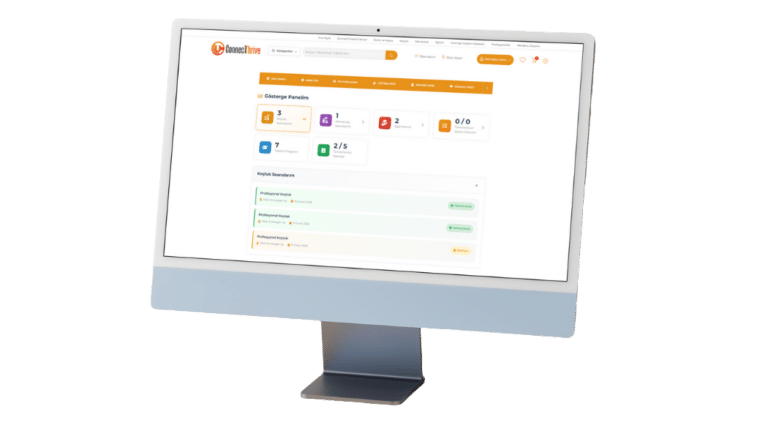
“Gösterge Panelim” menüsüyle süreçlerdeki ilerlemenizi, kazanımlarınızı ve gelişiminizi takip edin.

Coach / Mentor / Trainer Process
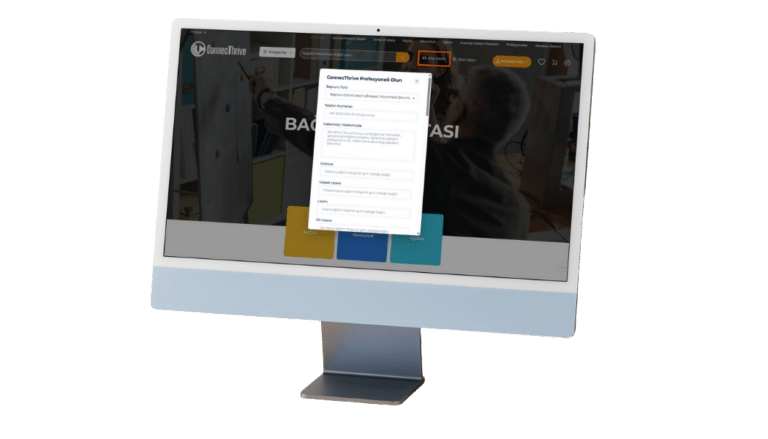
Become a ConnecThrive Professional
To join the ConnecThrive Professionals network as a coach/mentor/trainer, click “Join Us” to fill out the form and submit your request.
Your request will be reviewed within 72 hours and you will be contacted via info@ct.prismasite.art.
Add Your Services to the Platform
Welcome to the ConnecThrive Professionals network! Your participation in our network is highly valued.
Now it’s time to enter the information about the useful services you offer into the system via the Coach/Mentor/Trainer Panel defined in your profile.
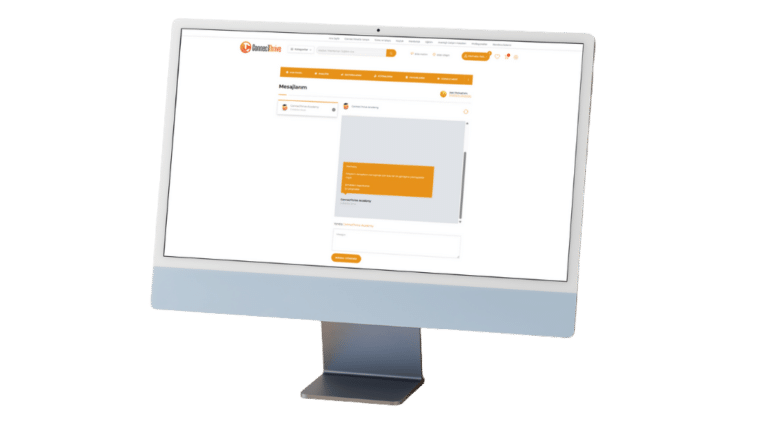
Stay Tuned
To promptly connect with individuals who wish to join you on your journey of growth and request preliminary information, or to stay informed about the services you purchase:
Regularly check your notifications in the “Messages” menu.
Schedule a Free Consultation
The preliminary meeting is a valuable step in conveying that the service you offer meets needs and expectations, gaining the trust of those who wish to progress with you on your journey of development, and addressing any concerns.
After requesting a preliminary meeting, schedule your meeting by determining the time and method.
This step is not mandatory; it is recommended to build trust, ensure the right match, and clarify the service recipient’s needs. 😉
Manage Your Development Journey with Digital Tools
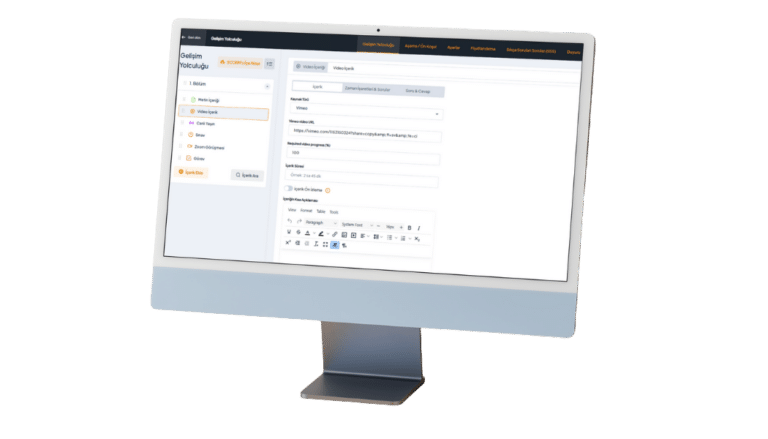
- Design and deliver your programs and certificates, consisting of coaching/mentoring sessions, live and digital content, using the platform’s “Learning Management System (LMS)” function.
- If the program includes a live session, join the session at the scheduled date and time via the platform using the Google Meet/Zoom integration or the link you shared.
To take advantage of Zoom integration, create a calendar entry at least one week before the event date by accessing “Zoom Reservation” in the “Appointment System” submenu.
Effectively Manage Your Coaching / Mentoring Sessions
- For your coaching/mentoring sessions, after receiving the email notification of the request sent through the “Appointment System,” contact your client/mentee within 48 hours to confirm the date and time and create the session record.
- Manage and track all your sessions from the “My Coaching/Mentoring Services” menus in your “Coach/Mentor/Trainer Panel.”
Gain Insight Through Evaluation and Feedback
View client/mentee/participant evaluations and feedback, and derive developmental insights from the results.
Leverage the Power of Data
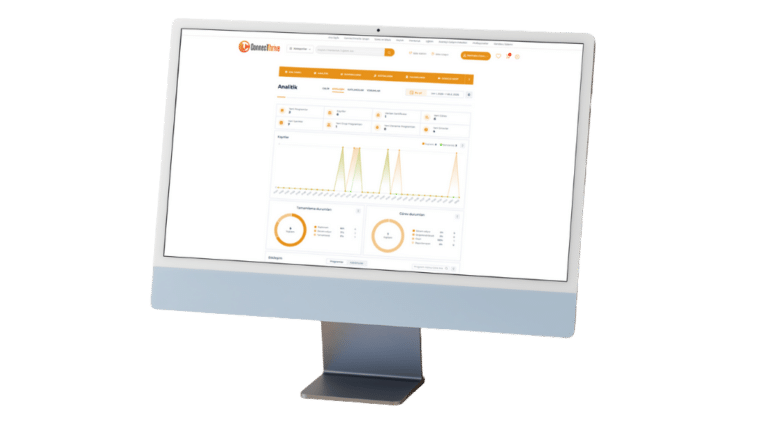
Track progress in processes with the “Analytics” and “Dashboard” menus, access detailed data and performance indicators. Gain insights by performing analyses.
Effectively Track the Commission, Payment, and Billing Process
- ConnecThrive acts as an intermediary for service sales made through the platform and charges a 30% intermediary service fee (commission) on the sales amount.
- For effective billing, the date of sale is considered the date of service.
- The invoice for the service must be issued by the service provider within 7 days of the sale.
- After the commission is deducted, the remaining amount is paid to the service provider within 14 days after the sale.
* ConnecThrive issues e-invoices/e-archive invoices only to professionals who provide services for an intermediary service fee (commission).